
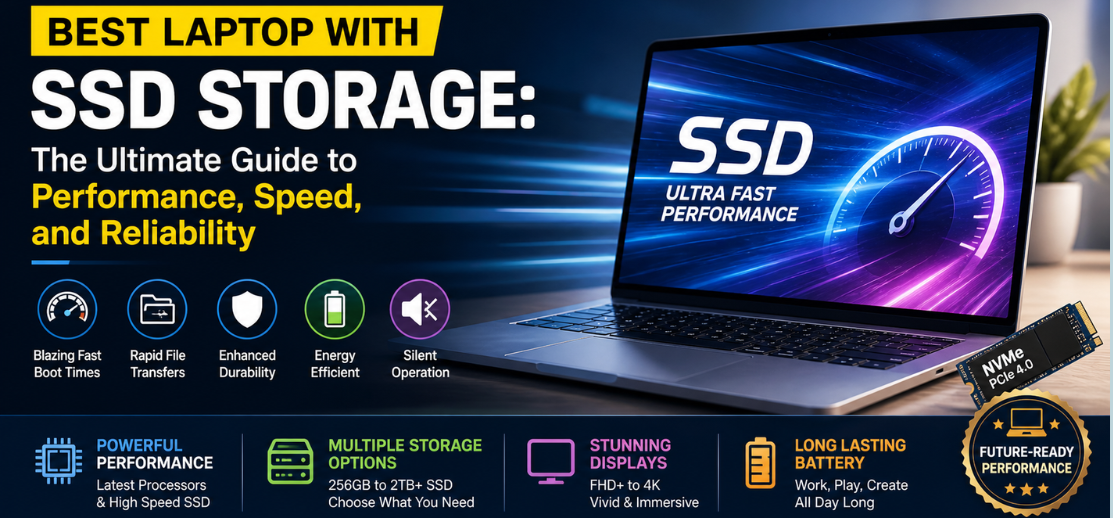
In the modern digital era, where speed, efficiency, and seamless multitasking define productivity, choosing the best laptop with SSD storage is no longer optional—it is essential. We understand that whether you are a student, professional, gamer, or content creator, your laptop’s performance hinges significantly on its storage technology. Solid State Drives (SSDs) have revolutionized computing by offering lightning-fast data access, improved durability, and superior energy efficiency compared to traditional hard drives.
This comprehensive guide delivers a deep, authoritative exploration of SSD laptops, helping you identify the most powerful, reliable, and future-proof machines available today.
Why SSD Storage is a Game-Changer for Laptops
Traditional hard disk drives (HDDs) are rapidly becoming obsolete due to their mechanical limitations. SSDs, on the other hand, rely on flash memory, making them significantly faster and more reliable.
Key Advantages of SSD Storage
- Blazing-fast boot times – Start your system in seconds
- Rapid file transfers – Move large files instantly
- Enhanced durability – No moving parts means reduced risk of failure
- Energy efficiency – Longer battery life
- Silent operation – No mechanical noise
We emphasize that choosing a laptop with SSD storage is not just about speed—it is about future-ready computing performance.
Types of SSDs in Modern Laptops
Understanding SSD types is crucial when selecting the right laptop.
1. SATA SSD
- Slower compared to newer technologies
- Affordable and widely available
- Ideal for budget users
2. NVMe SSD
- Extremely fast performance
- Direct connection to motherboard via PCIe
- Best for professionals and gamers
3. PCIe Gen 4 & Gen 5 SSD
- Cutting-edge speed
- Perfect for high-end workloads
- Future-proof technology
We recommend prioritizing NVMe SSDs for optimal speed and efficiency.
Top Features to Look for in the Best SSD Laptop
Choosing the best SSD laptop requires evaluating multiple aspects beyond storage.
Performance (Processor & RAM)
A powerful processor combined with SSD ensures seamless multitasking. Look for:
- Intel Core i5/i7/i9 or AMD Ryzen 5/7/9
- Minimum 8GB RAM, ideally 16GB or more
Storage Capacity
- 256GB SSD – Basic usage
- 512GB SSD – Balanced performance
- 1TB SSD or more – Heavy workloads
Display Quality
- Full HD or higher resolution
- IPS panels for better color accuracy
- High refresh rate for smooth visuals
Battery Life
SSD laptops consume less power, extending battery life significantly.
Build Quality
- Lightweight aluminum chassis
- Durable hinges
- Premium design for portability
Best Laptop with SSD Storage for Different Needs
1. Best SSD Laptop for Professionals
Professionals require speed, reliability, and long battery life. The ideal laptop should handle multitasking, presentations, and software tools effortlessly.
Key Features:
- 16GB RAM or higher
- NVMe SSD (512GB or 1TB)
- Lightweight design
- Long battery life
2. Best SSD Laptop for Students
Students need affordability combined with performance.
Recommended Specifications:
- 8GB RAM
- 256GB or 512GB SSD
- Lightweight and portable
- Strong battery backup
3. Best SSD Laptop for Gaming
Gaming laptops demand high-speed SSDs to reduce load times and improve performance.
Essential Features:
- High-end GPU
- NVMe SSD (1TB recommended)
- High refresh rate display (144Hz or more)
- Advanced cooling system
4. Best SSD Laptop for Content Creators
For video editing, graphic design, and animation:
Must-have Specs:
- 16GB–32GB RAM
- 1TB SSD or more
- Color-accurate display
- Powerful CPU & GPU
SSD vs HDD: A Clear Comparison
| Feature | SSD | HDD |
|---|---|---|
| Speed | Extremely fast | Slow |
| Durability | Highly durable | Mechanical failure risk |
| Noise | Silent | Noisy |
| Power Consumption | Low | High |
| Price | Higher | Lower |
We strongly advocate SSD over HDD for any modern computing needs.
How SSD Improves Everyday Laptop Experience
Instant Boot Times
No more waiting—your laptop starts within seconds.
Seamless Multitasking
Switch between applications effortlessly.
Faster Software Performance
Applications load instantly, boosting productivity.
Improved Gaming Experience
Reduced loading screens and smoother gameplay.
Storage Capacity: How Much SSD Do You Need?
Choosing the right storage size depends on your usage.
- 256GB SSD – Basic browsing and office work
- 512GB SSD – Ideal for most users
- 1TB SSD – Perfect for professionals and gamers
- 2TB+ SSD – Heavy media storage and advanced users
We recommend at least 512GB SSD for long-term usability.
Future of SSD Technology in Laptops
SSD technology continues to evolve rapidly, delivering unprecedented performance levels.
Emerging Trends
- PCIe Gen 5 SSDs with ultra-fast speeds
- AI-powered storage optimization
- Increased durability and lifespan
- Reduced cost per GB
The future clearly belongs to SSD-driven computing.
Tips to Maintain SSD Laptop Performance
To maximize your SSD laptop’s lifespan:
- Avoid filling storage beyond 80%
- Keep firmware updated
- Enable TRIM support
- Avoid unnecessary write cycles
- Use reliable antivirus software
Proper maintenance ensures consistent high performance.
Best SSD Laptop Buying Checklist
Before purchasing, ensure:
- ✔ NVMe SSD (preferred over SATA)
- ✔ Minimum 8GB RAM (16GB recommended)
- ✔ Latest processor generation
- ✔ Full HD or higher display
- ✔ Strong battery life
- ✔ Lightweight and durable build
Conclusion: Choosing the Best Laptop with SSD Storage
We conclude that selecting the best laptop with SSD storage is a critical decision that directly impacts your productivity, efficiency, and user experience. SSD-powered laptops offer unmatched speed, reliability, and future readiness, making them the ultimate choice for modern users.
By focusing on performance, storage capacity, and build quality, you can confidently invest in a laptop that delivers exceptional value and long-term satisfaction.
FAQs
1. What is SSD in a laptop?
SSD is a storage device that uses flash memory for faster performance.
2. Is SSD better than HDD?
Yes, SSD is significantly faster and more reliable.
3. How much SSD is enough?
512GB is ideal for most users.
4. Does SSD improve laptop speed?
Yes, dramatically.
5. Can I upgrade SSD later?
Yes, in most laptops.
6. Is 256GB SSD enough?
For basic use, yes.
7. What is NVMe SSD?
A high-speed SSD using PCIe interface.
8. Does SSD affect gaming?
Yes, it reduces loading times.
9. Are SSD laptops expensive?
They are slightly costlier but worth it.
10. Which SSD type is best?
NVMe SSD.
11. Do SSDs last long?
Yes, with proper care.
12. Is SSD good for students?
Absolutely.
13. Can SSD fail?
Rarely, but possible.
14. Does SSD save battery?
Yes, it consumes less power.
15. Is 1TB SSD overkill?
Not for heavy users.
16. Are SSD laptops silent?
Yes.
17. What brands offer SSD laptops?
Most major brands.
18. Can SSD improve boot time?
Yes, significantly.
19. What is PCIe SSD?
A faster SSD interface.
20. Should I choose SSD only laptop?
Yes, if budget allows.
21. Is SSD good for video editing?
Yes, highly recommended.
22. Can SSD overheat?
Rarely, with proper cooling.
23. Does SSD need maintenance?
Minimal maintenance required.
24. Is SSD good for programming?
Yes.
25. Can I use external SSD?
Yes.